It’s been a while, I know. Perhaps you’ve been following along at LeftCoastMama. Perhaps you’d given up on ever seeing anything new here and are surprised to see this pop up in your feed reader. At any rate, sorry about that. I’m going to dust off the cobwebs and start posting more to this blog again.
But first, a bit of a photo essay showing what we’ve been up to over the past umpteen months.
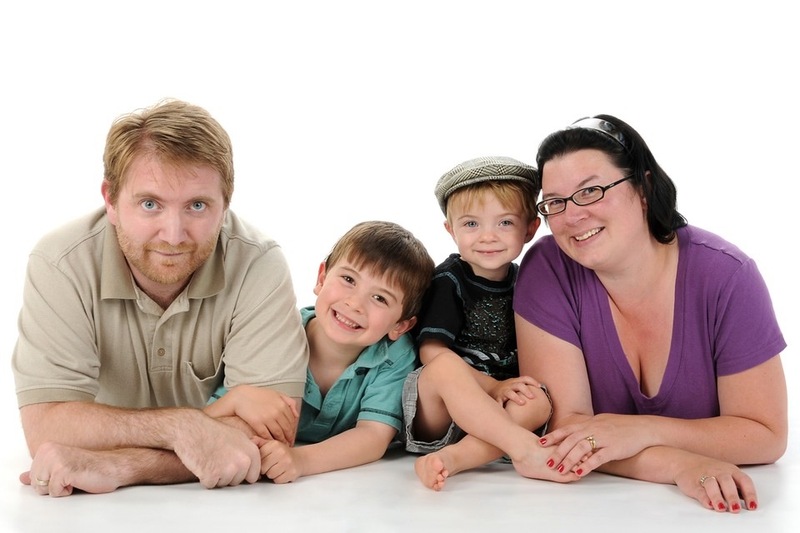
We had some professional photos taken. This photo was taken by Bopomo Pictures:
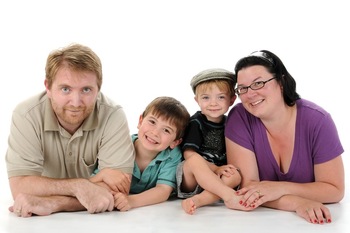
The LeftCoastFloyds
After getting back from my mother’s funeral, Gwen left for the East Coast again to attend the BlogHer conference in New York City!
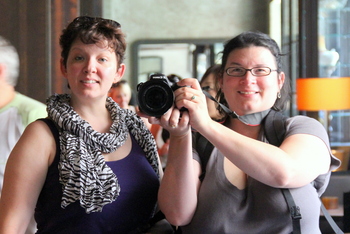
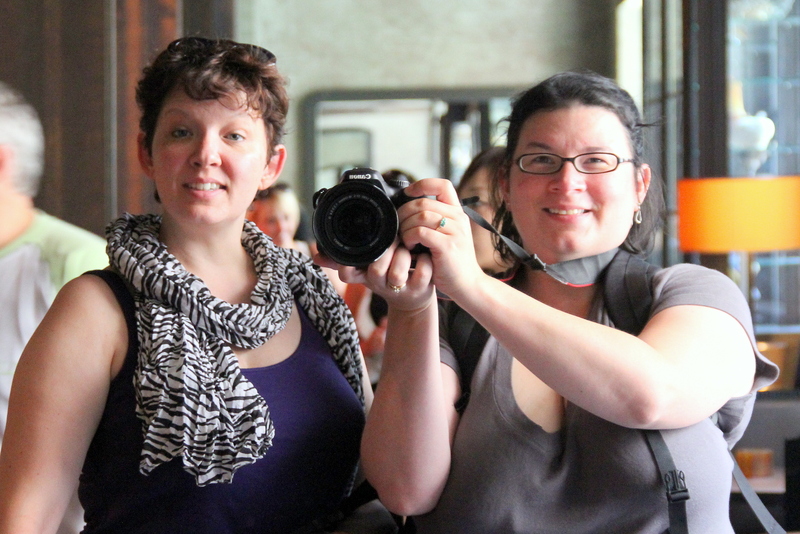
Gwen and Tracey in NYC, August 2010
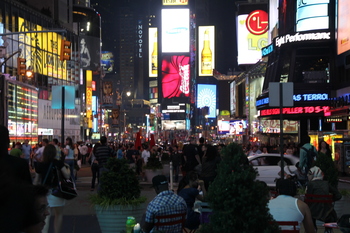
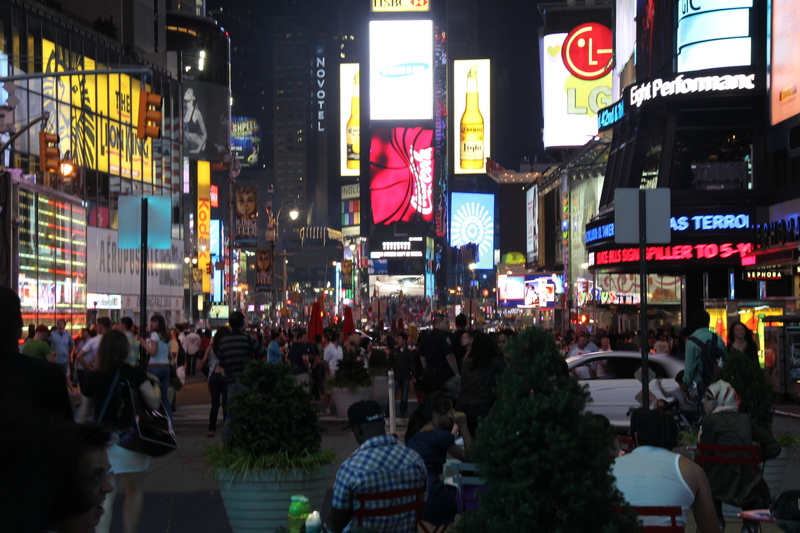
Times Square, NYC, August 2010
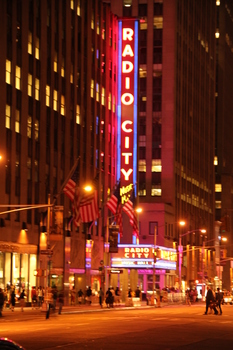
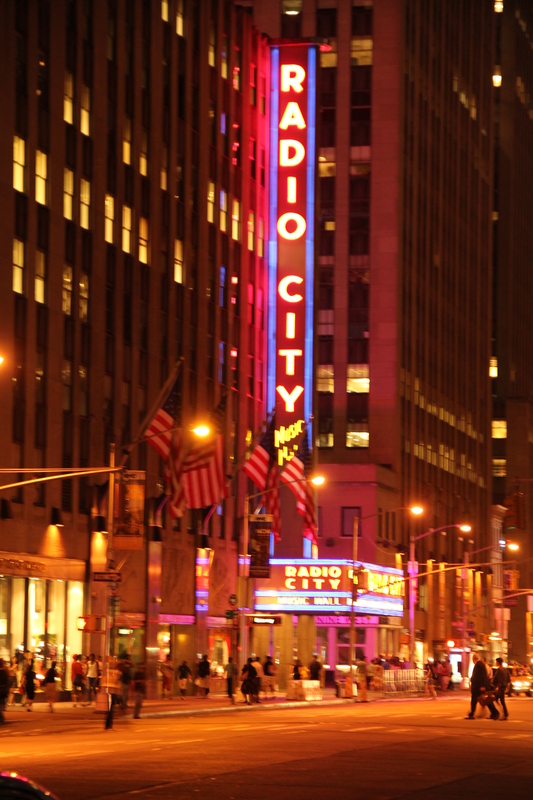
Radio City Music Hall, NYC, August 2010
Later in August my grandmother Muriel Forwood passed and I returned to Nova Scotia for another funeral. My grandmother lived with us from 1986 until she moved into a long term care facility in the early 2000s.
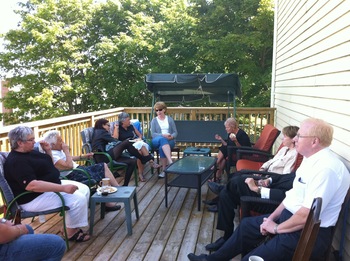
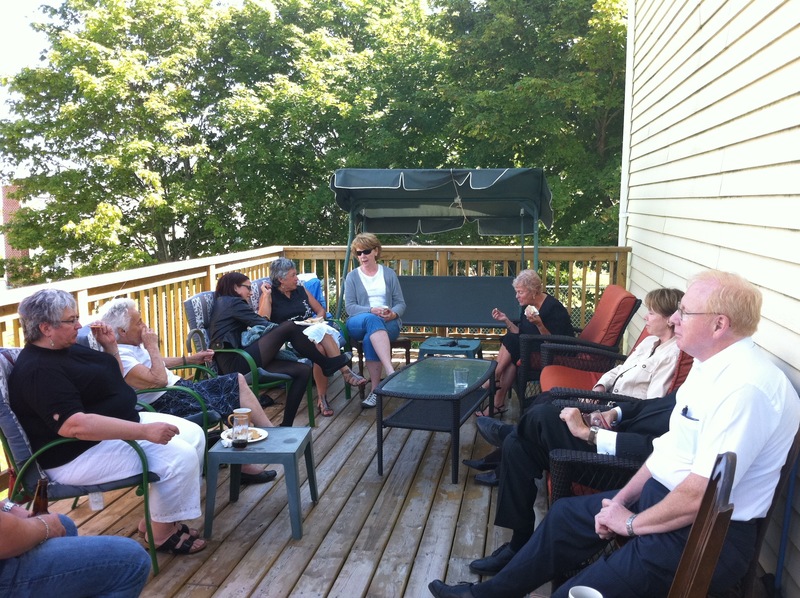
Remembering Muriel, August 2010
Back in Vancouver, Aidan went on longer and longer bike rides with me on the Trail-A-Bike. This was taken down near the Olympic Oval, halfway through a 50km ride.
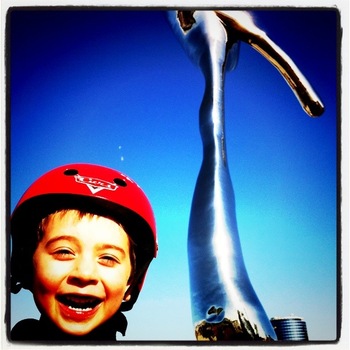
Public art in Richmond, August 2010
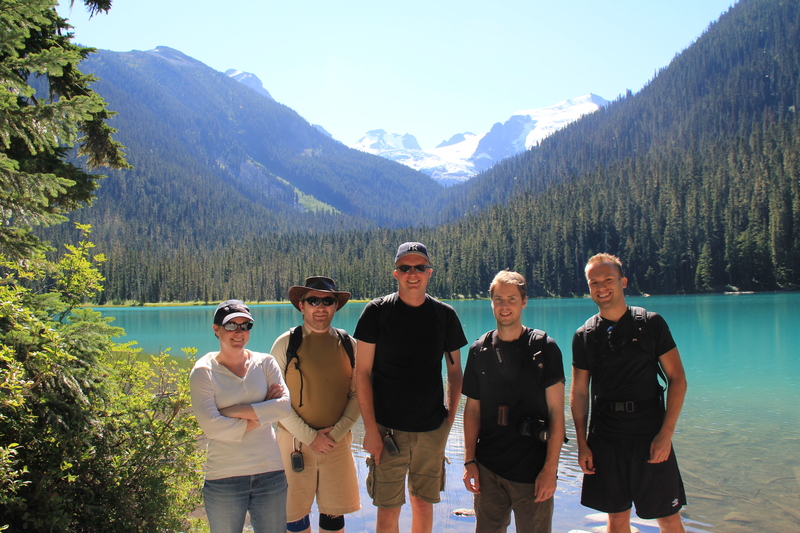
We don’t get out for as many hikes as we used to, but I did manage to get up to Joffre Lakes again this year. This time, I went with a bunch of people I met on Twitter!
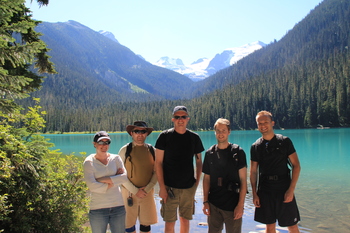
Joffre Lakes, August 2010
Aidan started school this year! He’s in a half-day French-immersion kindergarten at Lord Tennyson Elementary.
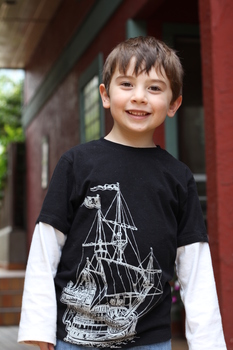
Aidan on the first day of school, September 2010
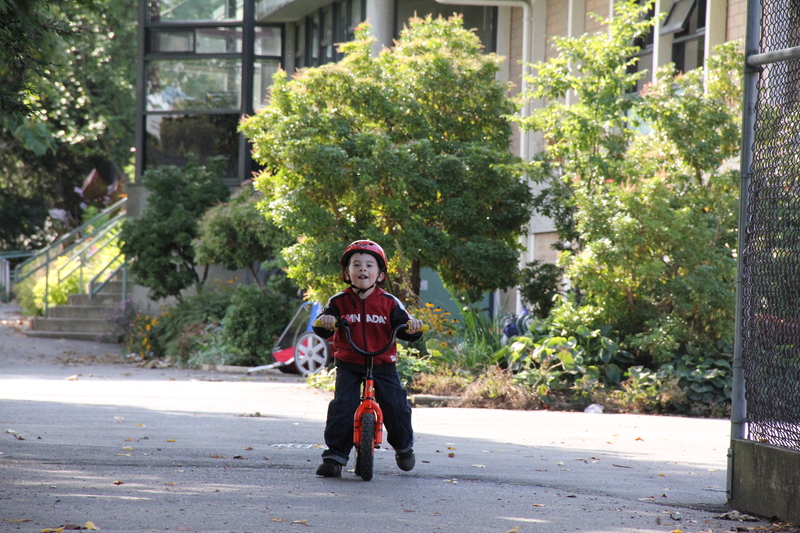
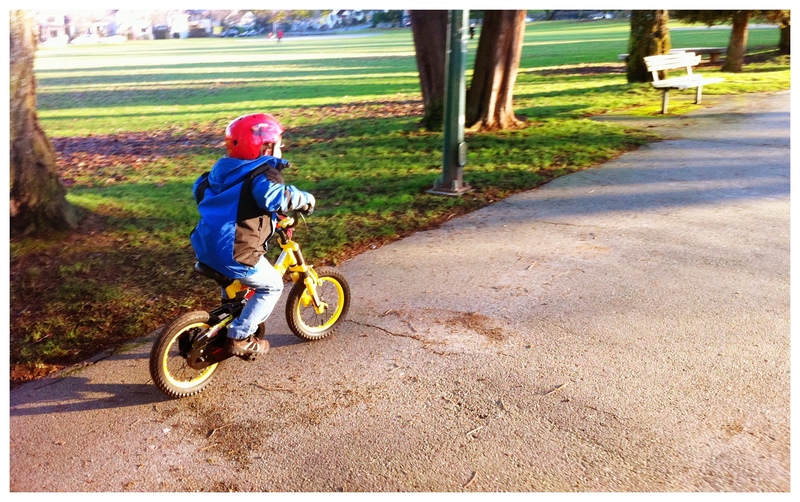
Aidan got a bigger bike for his birthday, but was having trouble with it. One of the best things I’ve done was to remove the pedals from his old Tigger bike so that it became a push bike. We lowered the seat and let him push it around. This was a great way for him to learn to balance the bike. Training wheels were too much of a crutch. By February 2011 he was riding his two wheeler, no problems at all.
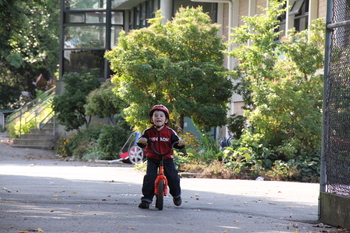
Aidan freewheeling, October 2010
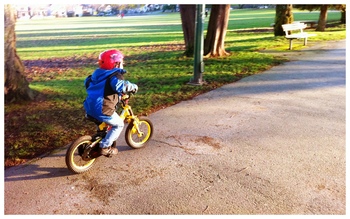
Aidan pedalling on two wheels, February 2011
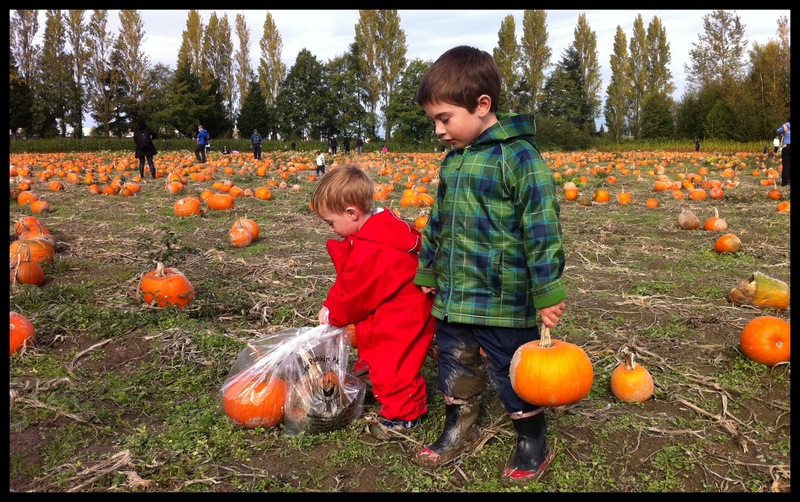
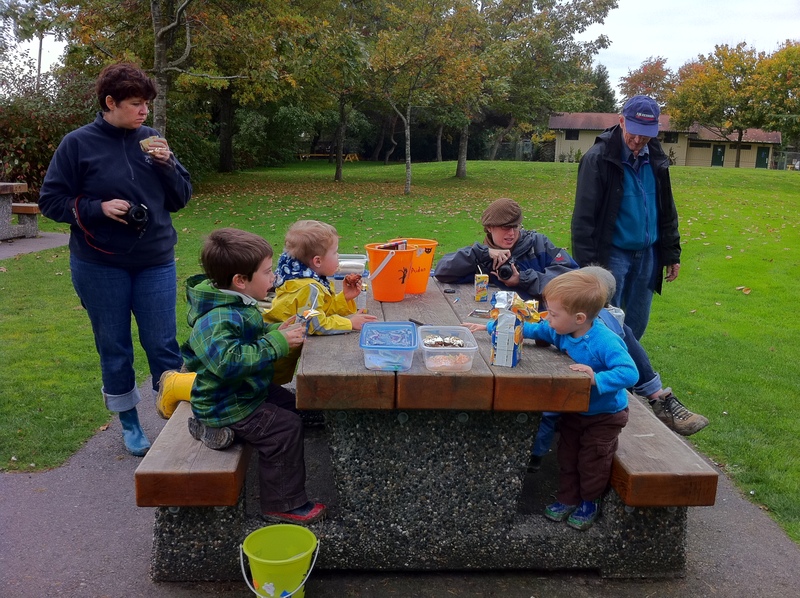
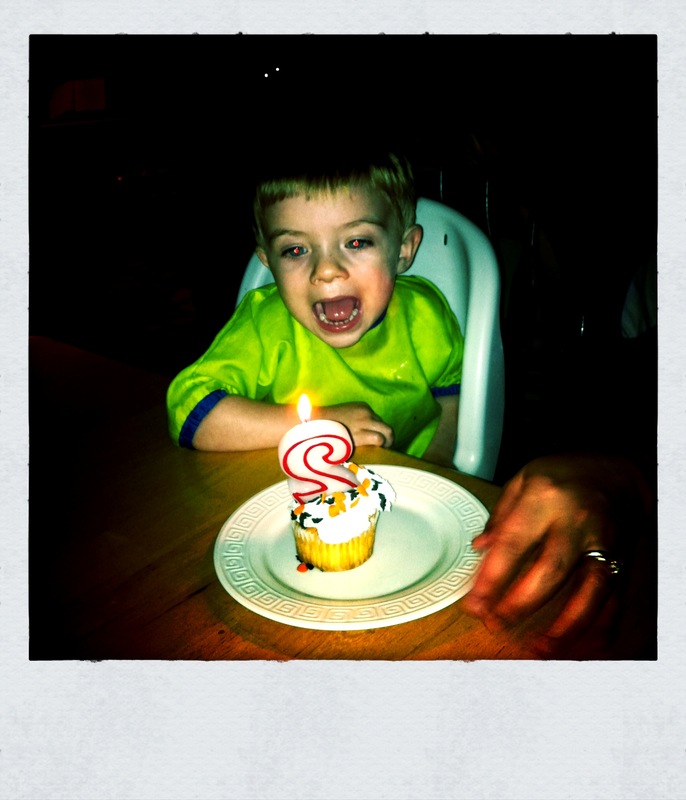
Of course, at the end of October Quinlan turned 2! We went to a pumpkin patch with some friends for his birthday “party”.
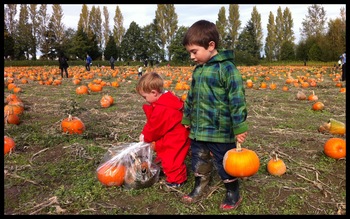
Picking the perfect pumpkin. Or two. October 2010

Chilly birthday cupcakes. October 2010
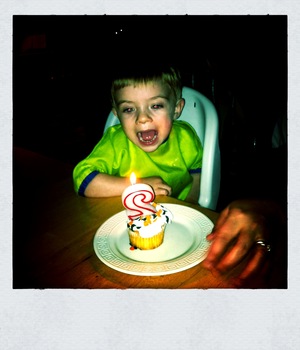
Happy Birthday Quinlan! October 2010
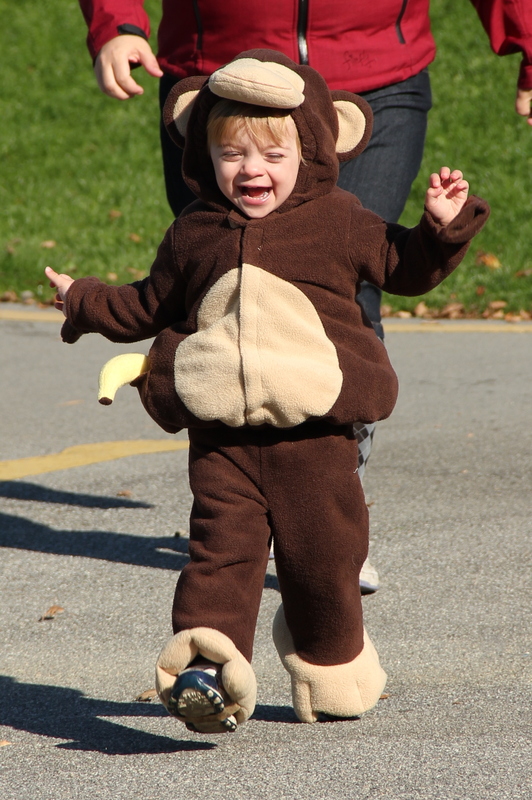
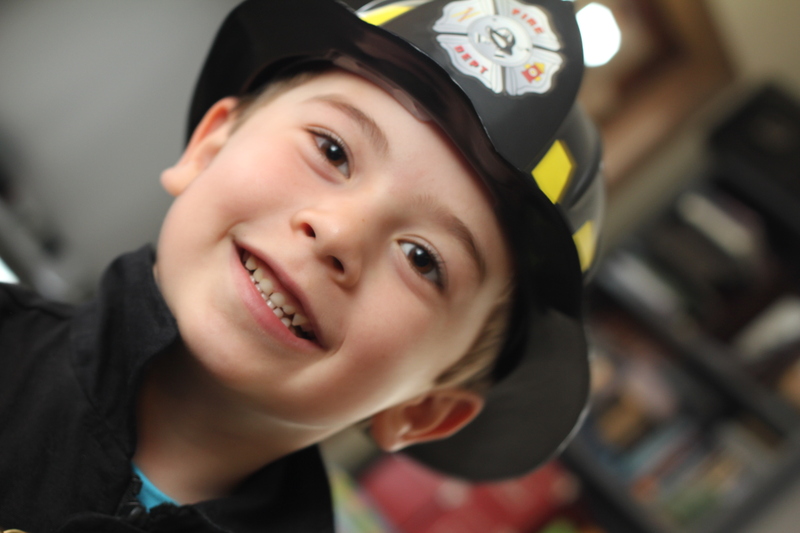
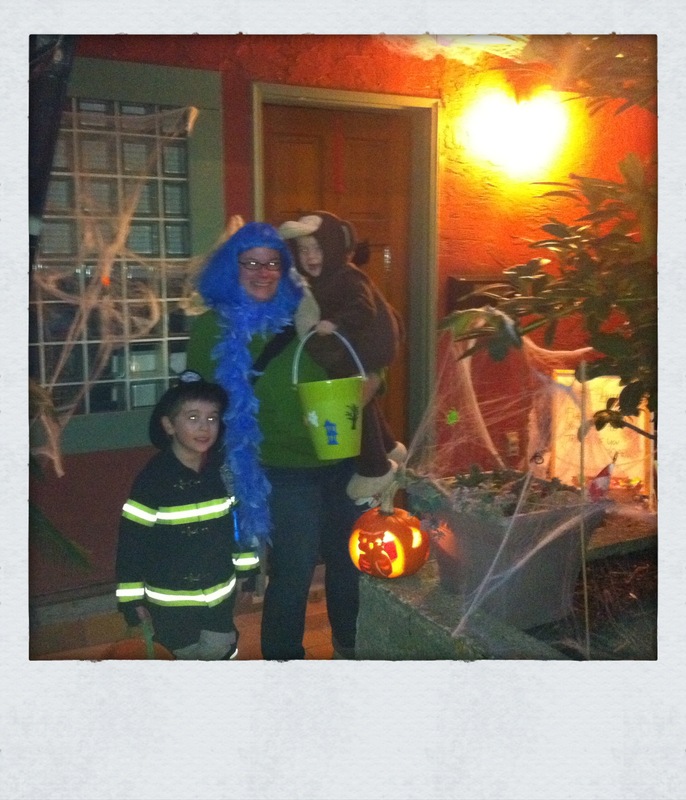
Hallowe’en was fun this year. Quinlan wore a monkey costume, and Aidan had a great fire fighter’s costume (with an authentic Delta Fire Services patch given to him by an authentic fireman.)
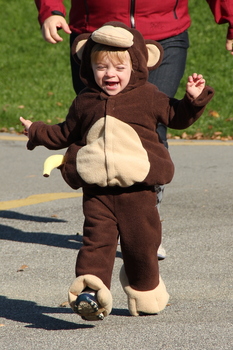
Quinlan is a monkey, October 2010
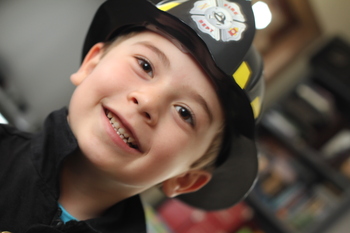
Aidan in his fireman costume, October 2010
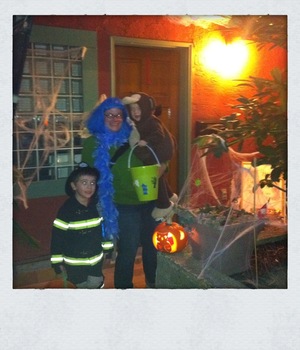
All set for Hallowe'en, October 2010
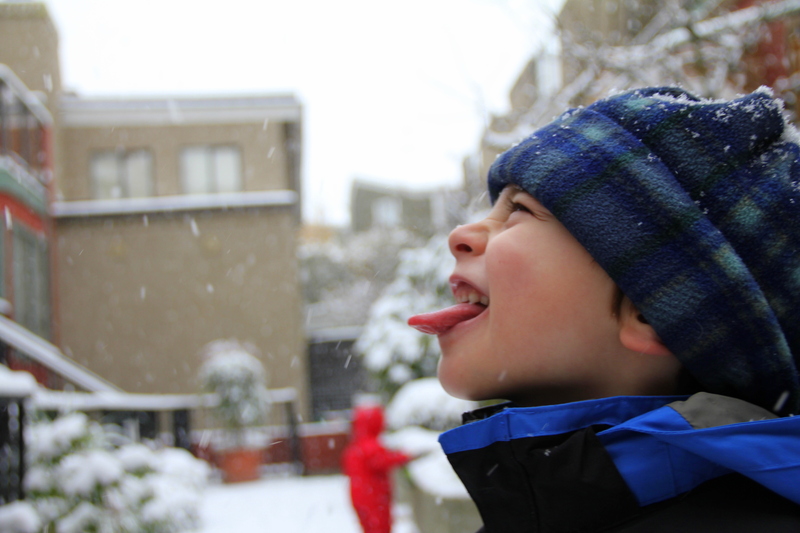
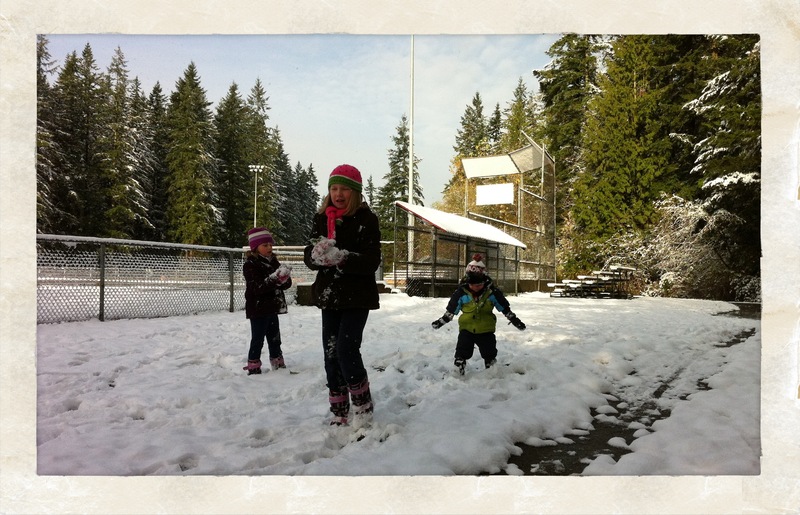
We had quite an early snowfall in November, and the boys had a great time playing in it.
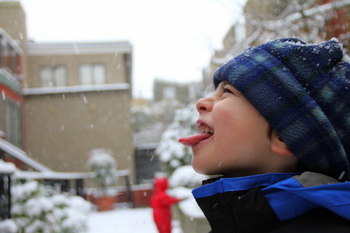
Aidan catching snowflakes, November 2010
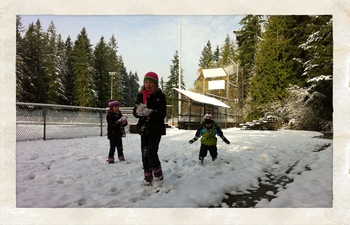
Quinlan enjoying some early snow with some friends, November 2010
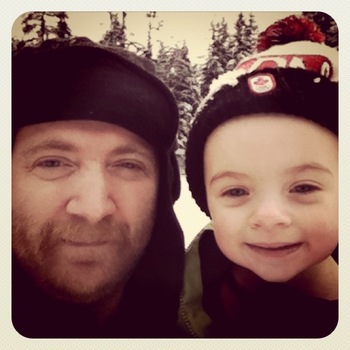
Yes, it was that cold. November 2010
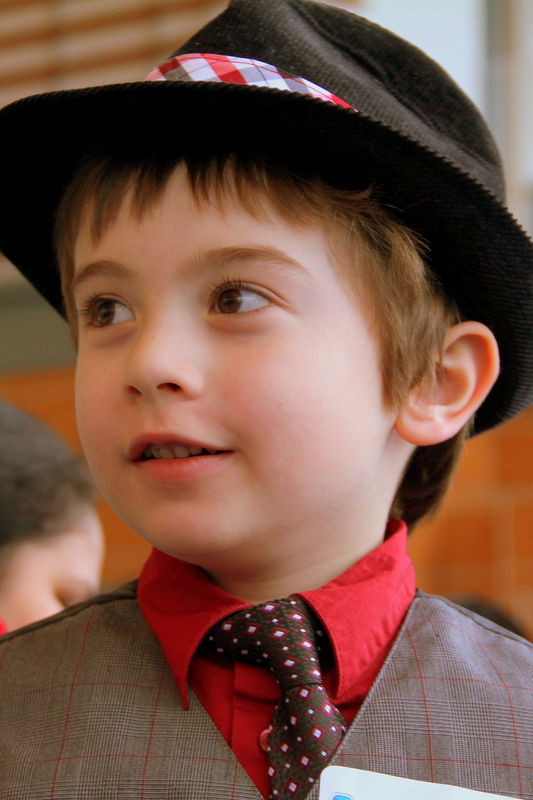
Aidan looks sharp, and loves wearing his hat and tie.
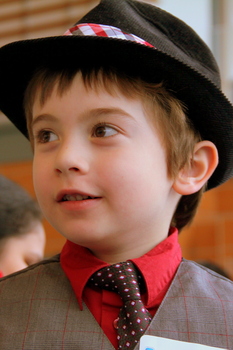
Aidan, November 2010
We did lots of Christmassy things this year.
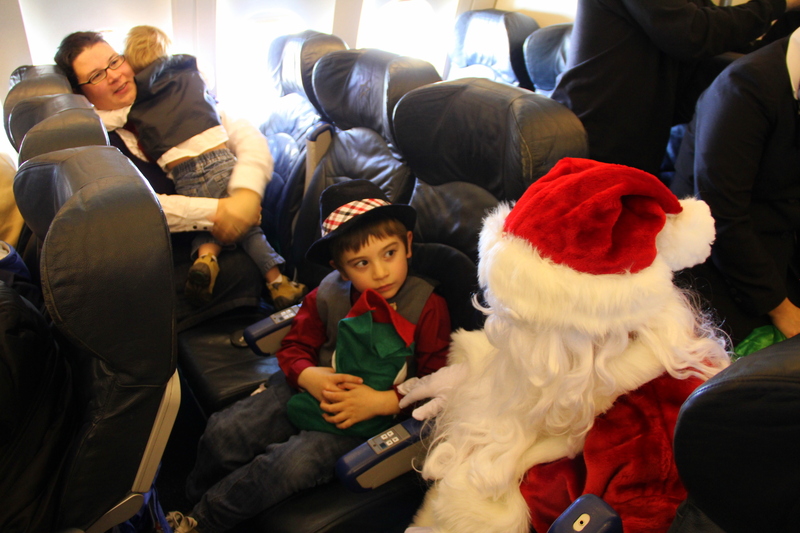
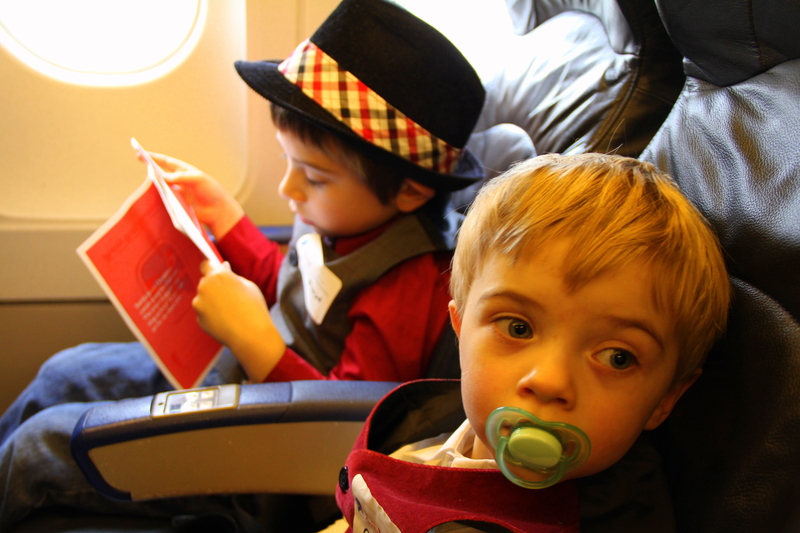
Gwen and the boys had the very special opportunity to join other kids and Air Transat on the Flight in Search of Santa.
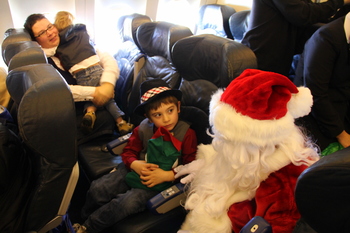
Flight in Search of Santa, November 2010
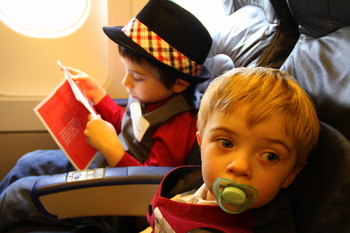
The Flight in Search of Santa, November 2010
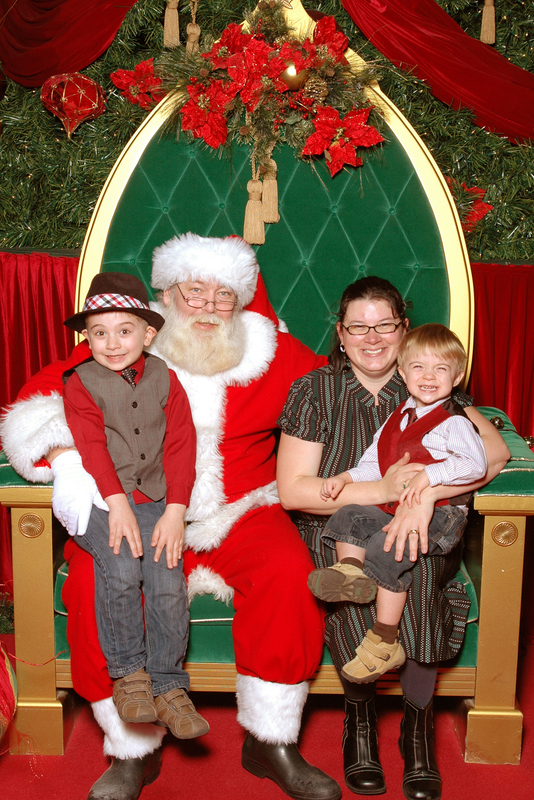
Gwen took the kids to Oakridge Centre for their annual photo with the best Santa in Vancouver:
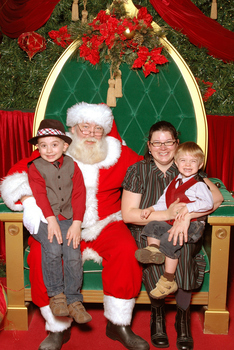
Santa Claus, November 2010
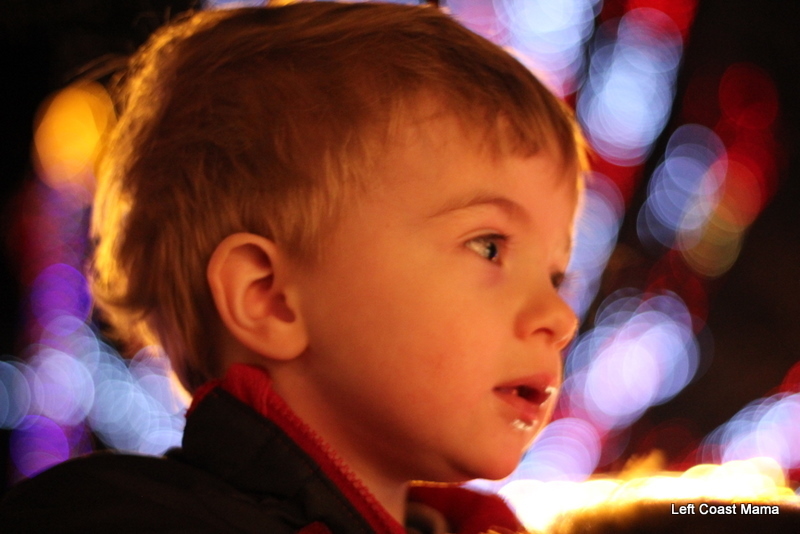
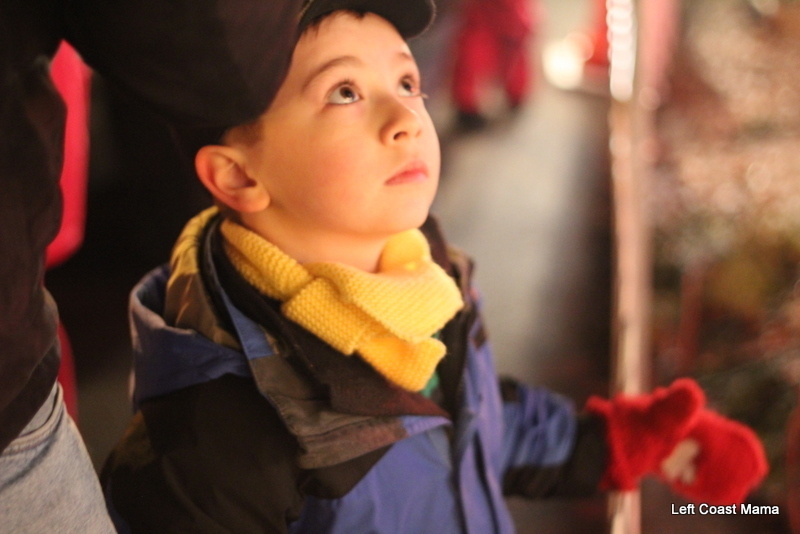
Bright Nights in Stanley Park is an annual fundraiser in which the Vancouver Fire and Rescue Service decorates a portion of Stanley Park. The kids love it.
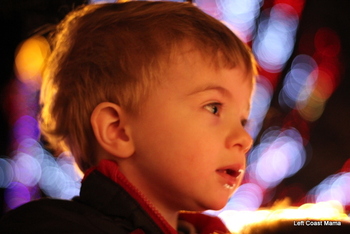
Quinlan at Bright Nights in Stanley Park, December 2010
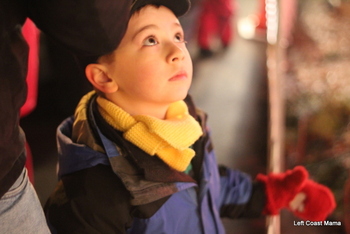
Aidan at Bright Nights in Stanley Park, December 2010
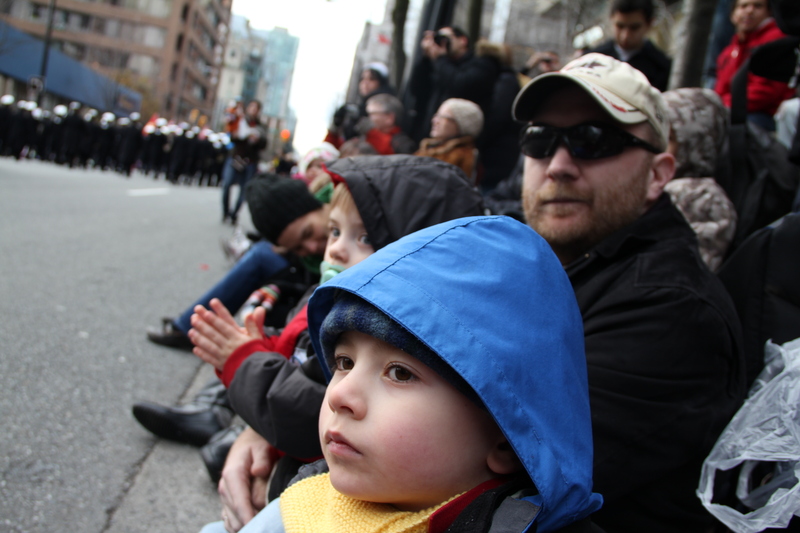
And then there was the Santa Claus parade.
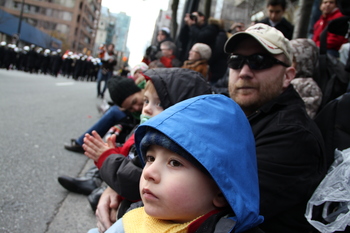
Vancouver Santa Claus parade, 2010
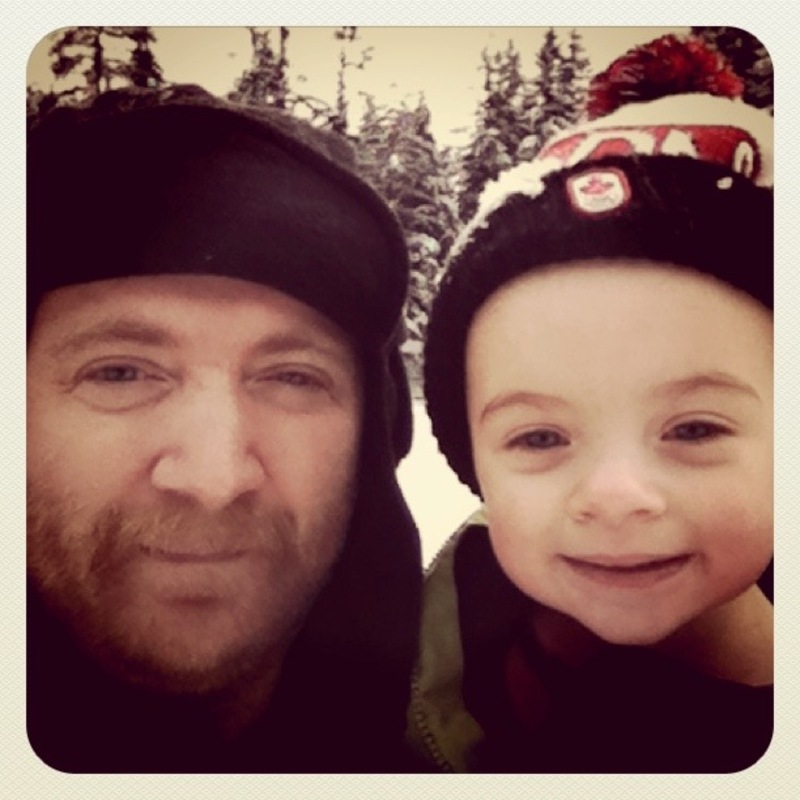
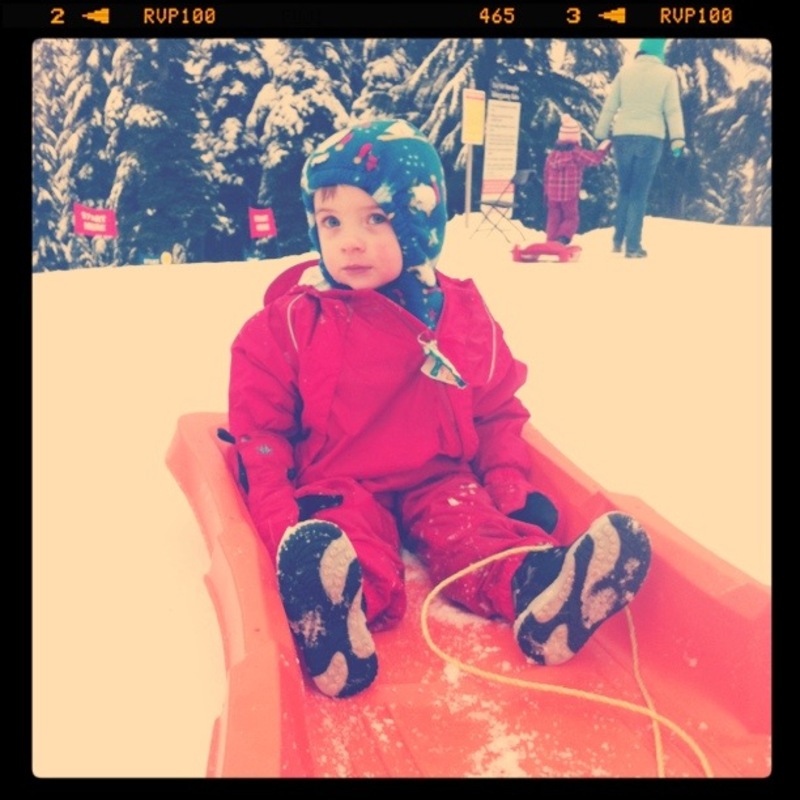
Aidan and Gwen took skiing lessons this year at Mount Seymour. I don’t have any action shots of them, but while they were learning to ski, Quinlan and I played on the toboggan hill.
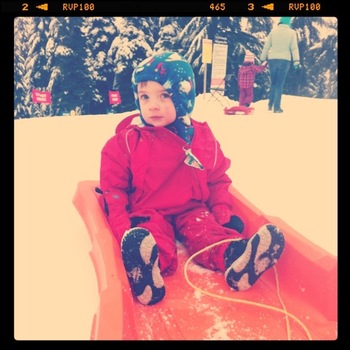
Quinlan on the toboggan hill at Mount Seymour, December 2010
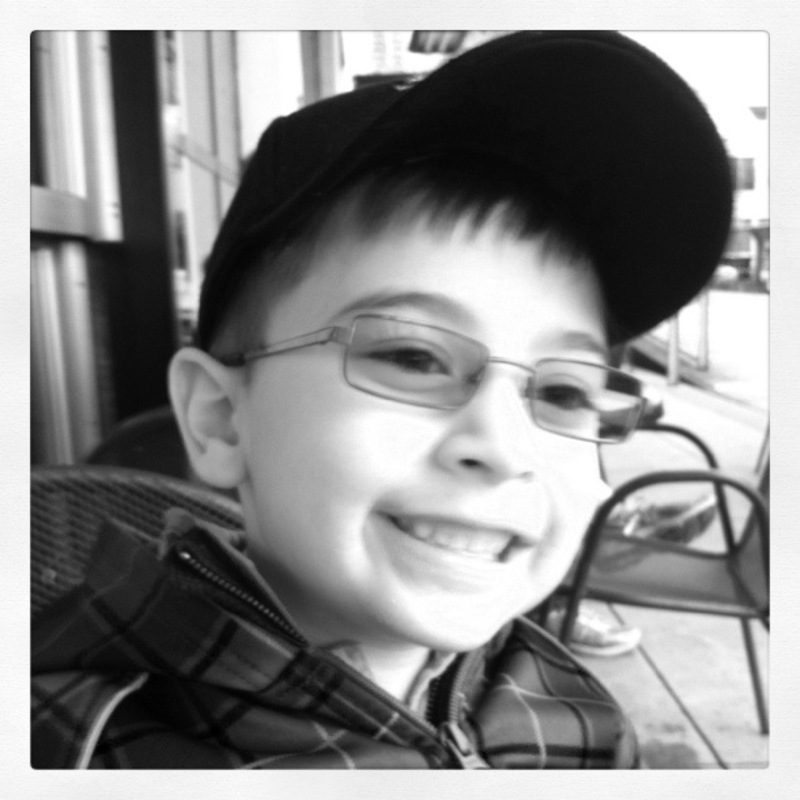
In the midst of all this, we discovered that Aidan needed glasses. He looks pretty sharp in them and doesn’t mind them in the least.
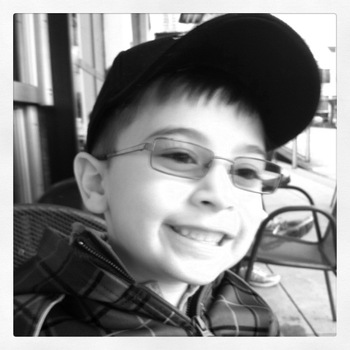
Aidan and his new glasses, December 2010
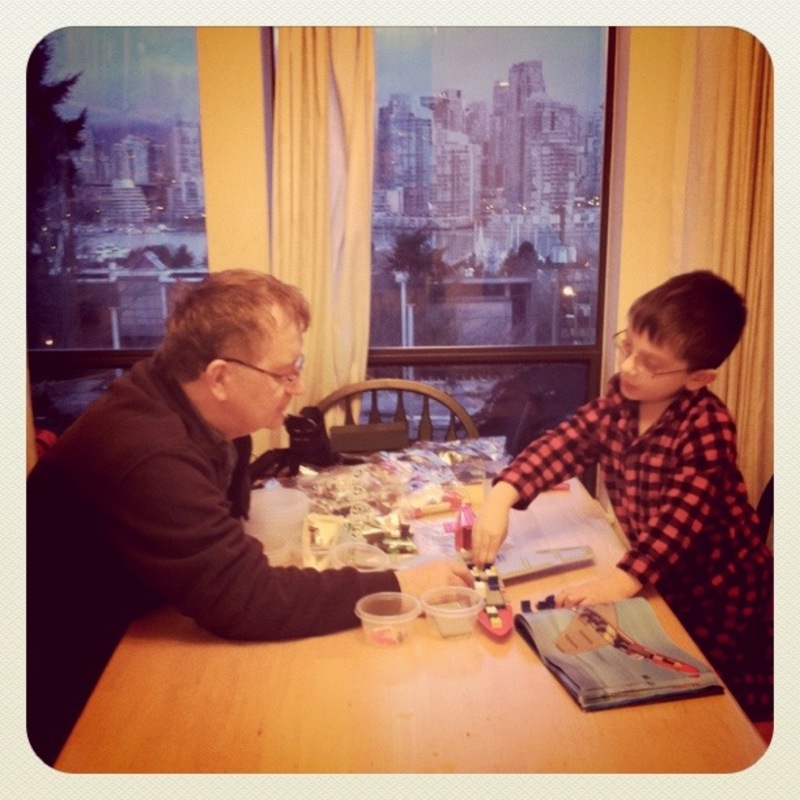
Grandpa came to join us for Christmas. This was wonderful, and we did lots of things.
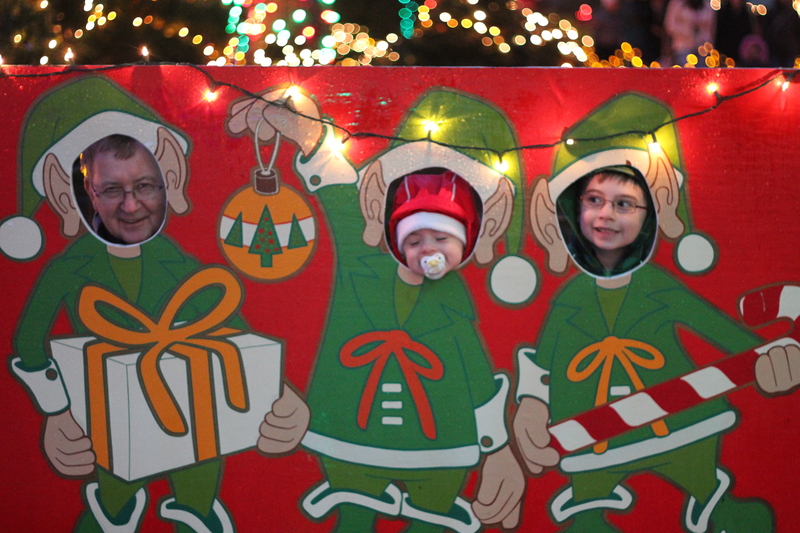
Gwen, the boys, and Grandpa went to the VanDusen Festival of Lights on the first day he was here.
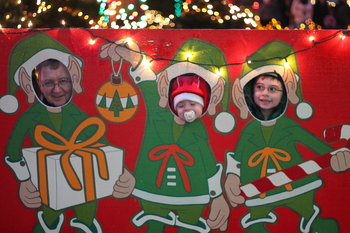
Grandpa, Quinlan, and Aidan at the Festival of Lights in VanDusen Gardens, December 2010
Christmas Day and the days that followed were awesome.
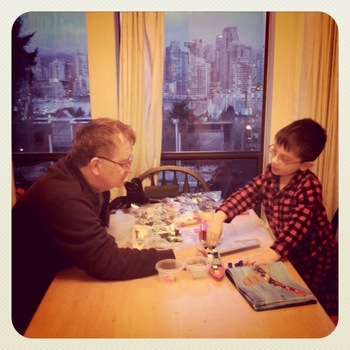
Grandpa and Aidan put together some Lego, December 2010
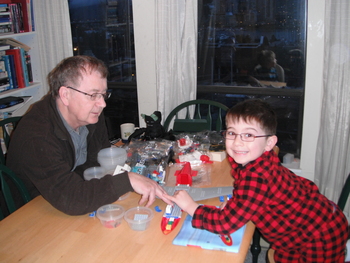
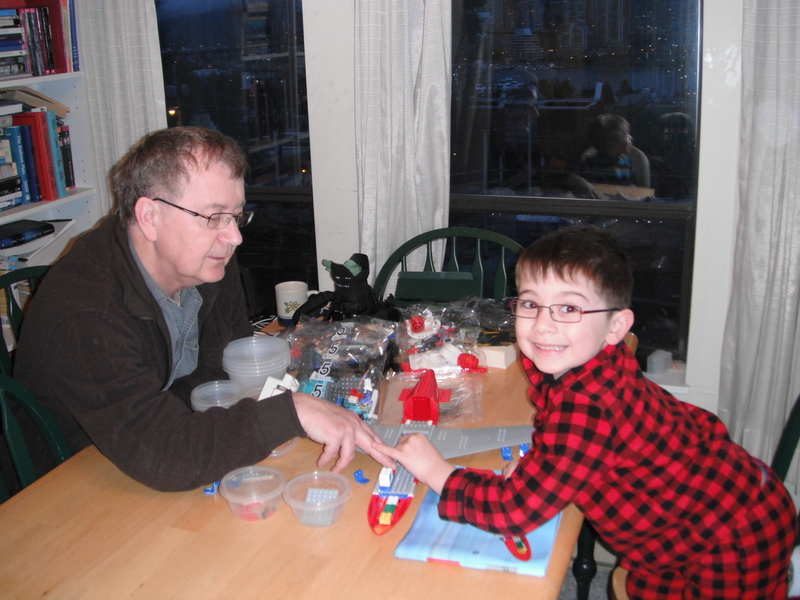
More Lego Airport assembly, December 2010
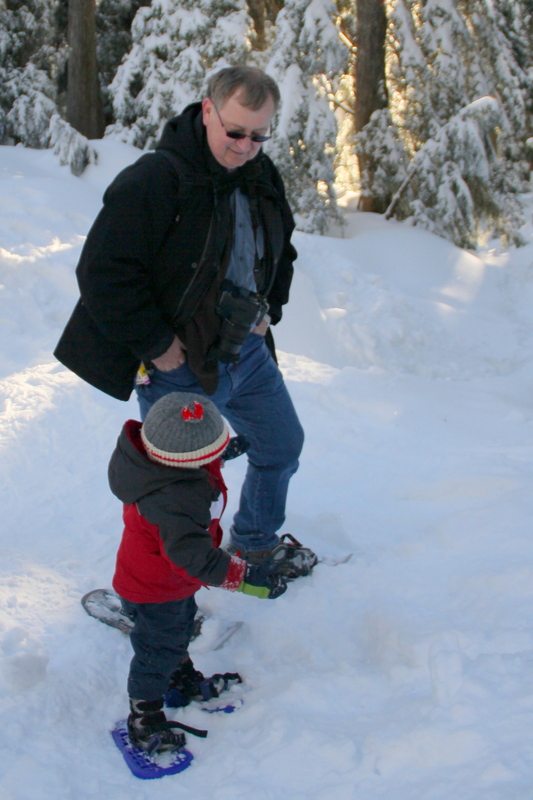
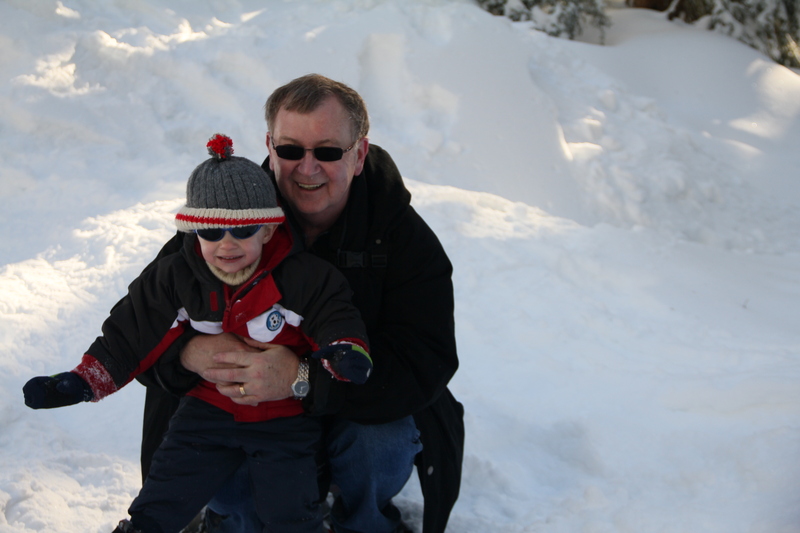
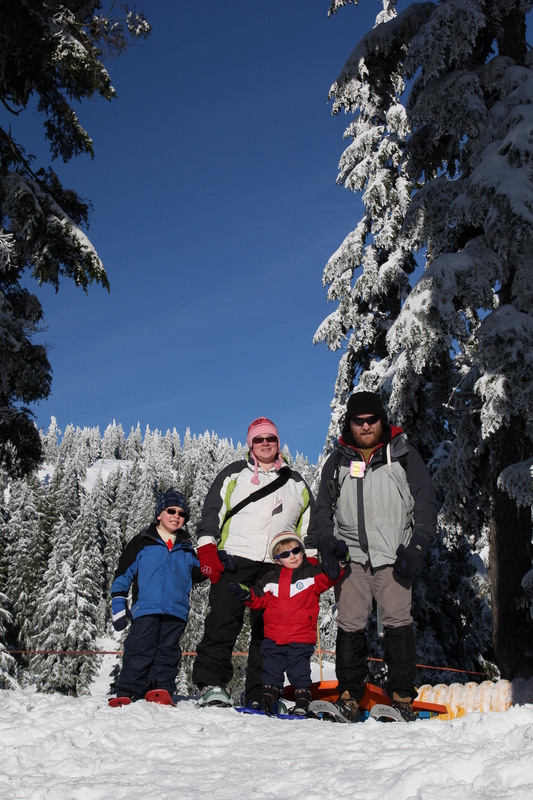
On New Year’s Eve Day, we all went snowshoeing at Mount Seymour.
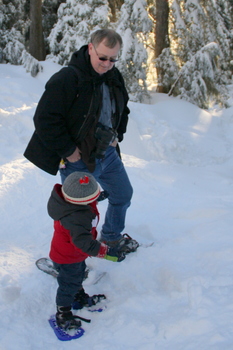
Grandpa and Quinlan snowshoeing at Mount Seymour, December 2010
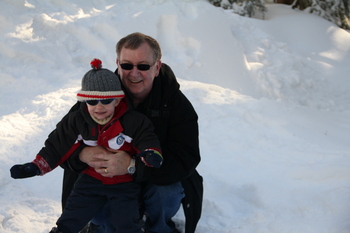
Grandpa and Quinlan snowshoeing at Mount Seymour, December 2010
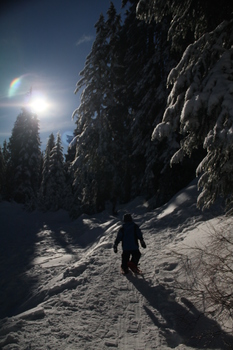
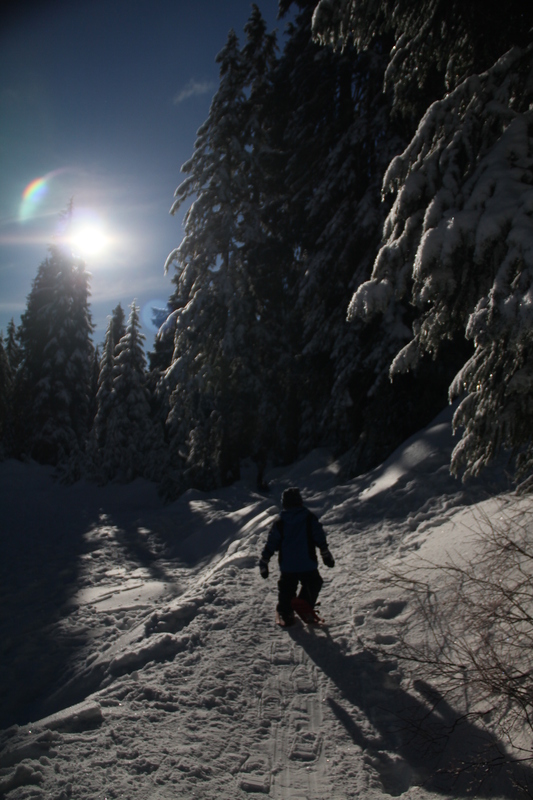
Aidan snowshoeing at My Seymour, December 2010
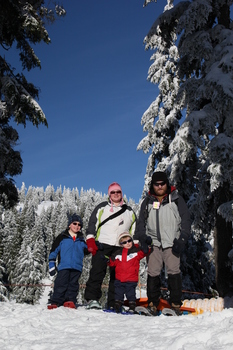
Snowshoeing at Mount Seymour, December 2010
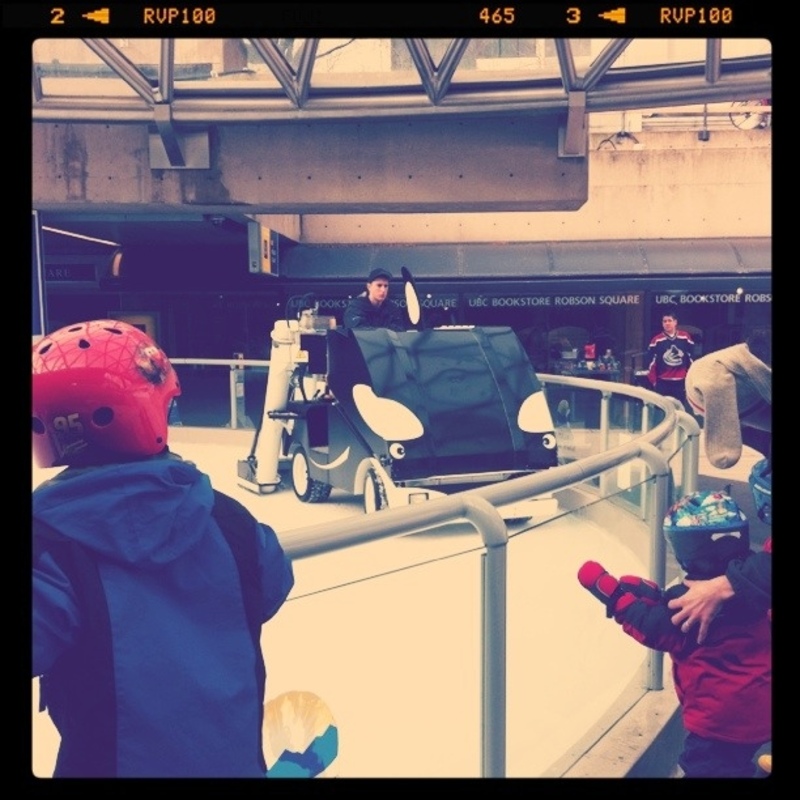
Since the Olympics, the plaza in front of UBC Robson Square has been turned into an “outdoor” skating rink, open to the public. We took the kids there in January. The zamboni was as exciting as the skating, I suspect.
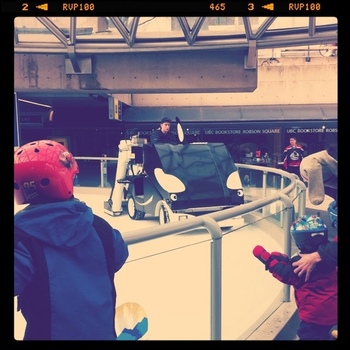
Skating at Robson Square, January 2011
Even in the depths of winter, we keep up with the geocaching. :) 2010 was our best year yet in terms of our number of finds, and we hope to eclipse it this year!
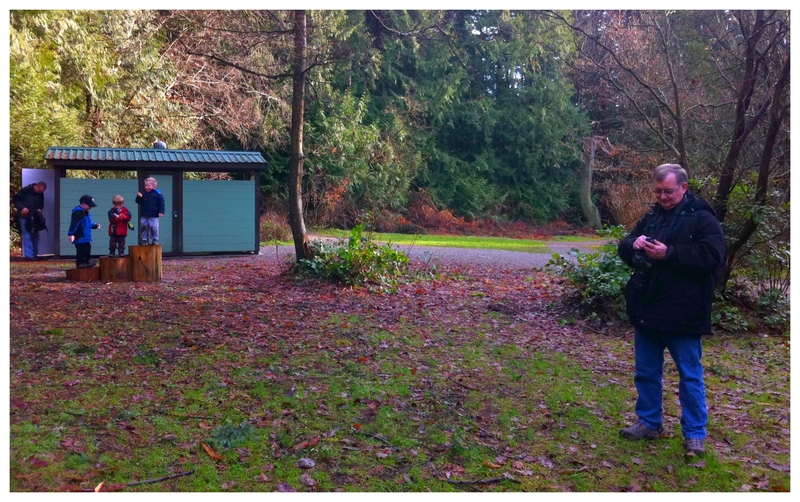
We did some geocaching with grandpa while he was here.
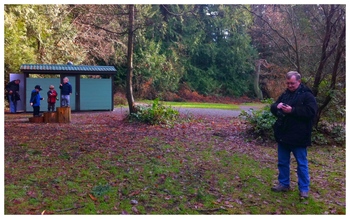
Geocaching in Pacific Spirit Park, January 2011
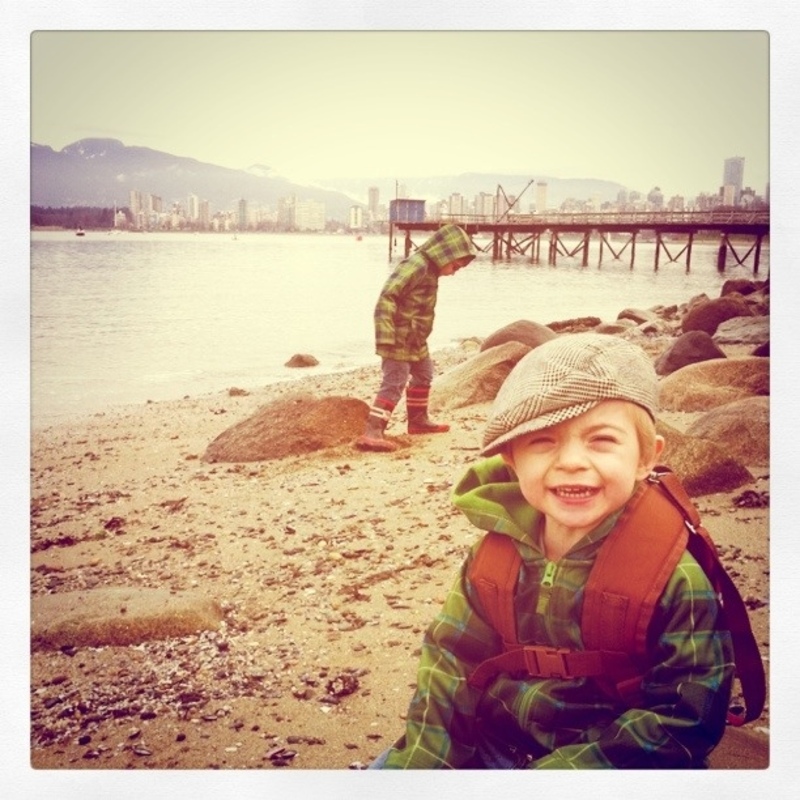
And we continue to do some winter geocaching.
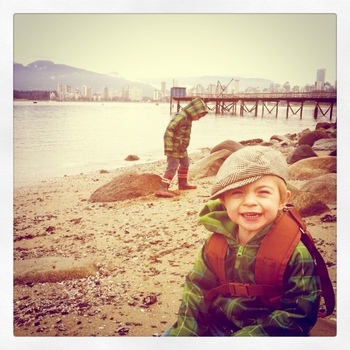
Geocaching at Kits Beach, February 2011
So that’s been our past 6 months in a nutshell. It won’t been 6 months until the next update.